
Download Crowdcast – professional video sharing, webinars, virtual conferences
Overview
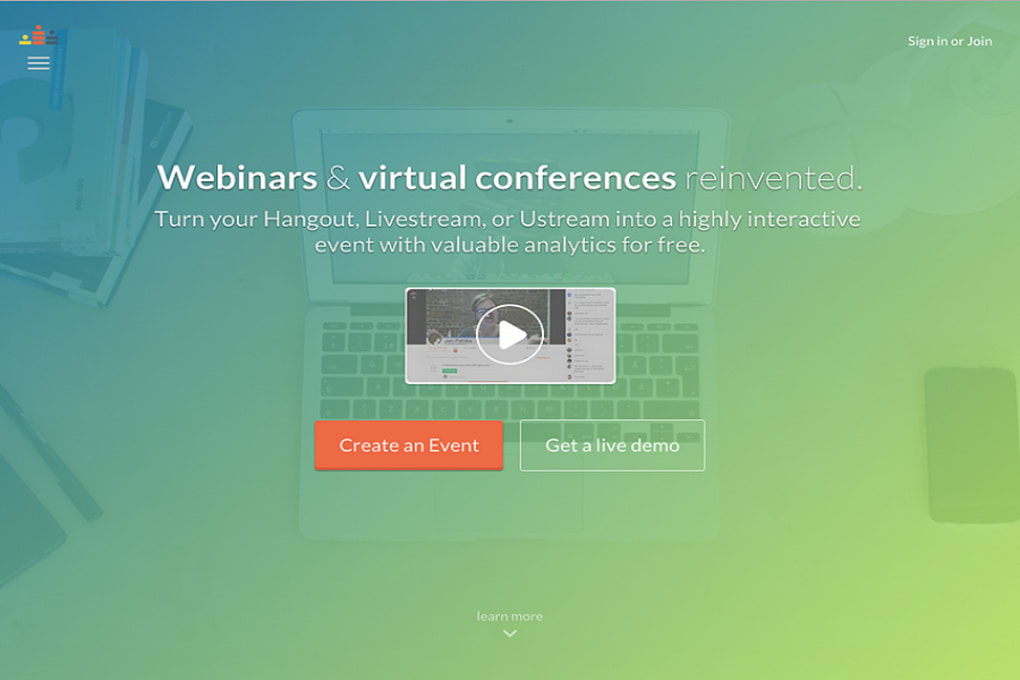
Crowdcast is a professional video‑sharing software built for businesses that need fast, reliable, and secure real‑time communication. Whether you are hosting a live webinar, a virtual conference, or an internal training session, Crowdcast streamlines the entire process from invitation to post‑event analytics. The platform prides itself on a “set‑up‑in‑minutes” philosophy, allowing teams to focus on content rather than technical hurdles.
In addition to crystal‑clear video and low‑latency audio, Crowdcast provides built‑in performance analytics that give organizers insight into attendee engagement, drop‑off rates, and interaction levels. Integrated in‑app email tools let you send reminders, follow‑ups, and post‑event surveys without leaving the dashboard. The result is a single, secure hub that replaces a patchwork of separate video, email, and reporting tools, saving both time and budget for growing enterprises.
Key Features & Performance Analytics
- Live streaming with up to 1080p HD quality and adaptive bitrate for smooth playback on any connection.
- Interactive Q&A, polls, and reaction emojis to boost audience participation.
- Advanced performance analytics: real‑time attendee count, watch time, engagement heatmaps, and post‑event reports.
- In‑app email automation: schedule reminders, thank‑you notes, and custom follow‑ups directly from the platform.
- Screen sharing, virtual whiteboard, and breakout rooms for collaborative sessions.
- Secure access controls: password‑protected events, domain‑restricted entry, and two‑factor authentication.
- Integration with CRM, marketing automation, and calendar tools (HubSpot, Salesforce, Google Calendar, Outlook).
- Automatic recording and cloud storage with customizable retention policies.
Each feature is designed with scalability in mind. For example, the analytics dashboard updates every few seconds, allowing hosts to see which slides or speakers generate the most interest. The data can be exported as CSV or integrated via API for deeper business intelligence. Security is a top priority; all video streams are encrypted with TLS 1.3, and recordings are stored on ISO‑certified data centers. The combination of interactive tools and robust reporting makes Crowdcast a compelling choice for marketing teams, HR departments, and education providers who need measurable outcomes from every live session.
Installation, Setup & Compatibility
Quick Installation Process
Downloading and installing Crowdcast is straightforward. After clicking the Download Crowdcast button on the official site, you receive a small installer package (.exe for Windows, .dmg for macOS, and appropriate .apk / .ipa files for Android and iOS). The installer guides you through a three‑step wizard: accept the license, choose an installation folder, and create your first admin account. Within five minutes you have a functional instance ready for testing.
Cross‑Platform Compatibility
Crowdcast runs natively on Windows 10/11, macOS 10.14 and later, Android 8.0+, and iOS 13+. A web‑based client is also available, meaning users can join a session from any modern browser (Chrome, Firefox, Edge, Safari) without installing additional software. The platform supports both 64‑bit and ARM architectures, ensuring smooth performance on laptops, desktops, tablets, and even smartphones. System requirements are modest: a dual‑core CPU, 4 GB RAM, and a stable internet connection of at least 3 Mbps for HD streaming. For large conferences (500+ attendees), a dedicated server or cloud‑hosted instance is recommended to guarantee low latency.
Step‑by‑Step Usage Guide
- Create an event: Log in, click “New Event,” set title, date, and access level.
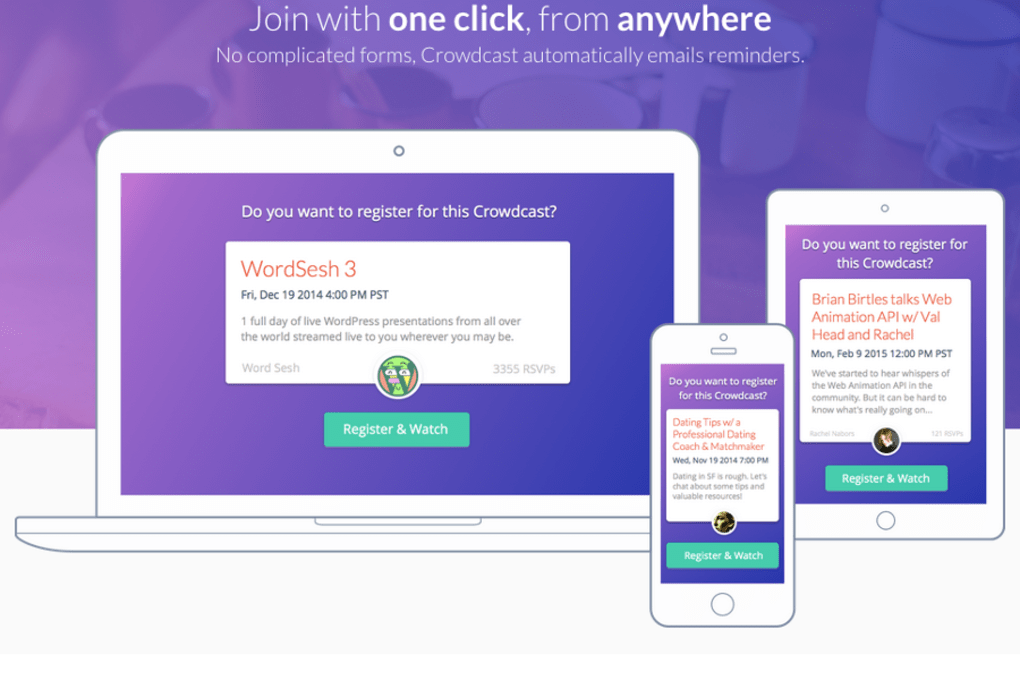
- Invite participants: Upload a CSV list or sync with your CRM; Crowdcast sends automated email invites.
- Configure interactive tools: Turn on polls, Q&A, and breakout rooms before going live.
- Go live: Click “Start Broadcast,” share your screen or webcam, and monitor real‑time analytics.
- Post‑event actions: Export the analytics report, send a thank‑you email, and publish the recorded session.
The intuitive dashboard reduces the learning curve, and a built‑in help center offers video tutorials and a searchable knowledge base. For enterprises that need customized branding or single sign‑on (SSO), Crowdcast provides API access and professional onboarding services.
Pros, Cons & Frequently Asked Questions
Pros
- Fast setup – live events can be launched within minutes.
- Rich interactive features keep audiences engaged.
- Comprehensive analytics turn qualitative feedback into quantitative data.
- Secure streaming with end‑to‑end encryption and granular access controls.
- Multi‑platform support (desktop, mobile, web) for maximum reach.
Cons
- Advanced analytics are only available on paid plans.
- Breakout room management can become complex for very large events.
- Limited custom UI options for the free tier.
FAQ – Answers from the Crowdcast Team
Is Crowdcast free to use?
Crowdcast offers a free tier that allows up to 100 attendees per event, but advanced features like detailed analytics, custom branding, and unlimited recordings require a paid subscription.
Can I host a private event with password protection?
Yes. Every event can be secured with a unique password, domain restrictions, or single sign‑on (SSO) integration, ensuring only invited participants can join.
How does Crowdcast handle large audiences (1,000+ attendees)?
For large‑scale webinars, Crowdcast recommends using the cloud‑hosted enterprise plan, which distributes the stream across a global CDN to maintain low latency and high reliability.
Is the platform compatible with existing CRM and marketing tools?
Crowdcast integrates natively with HubSpot, Salesforce, Marketo, and many others via API, allowing you to sync contacts, trigger email workflows, and log event data automatically.
What kind of support is available for enterprise customers?
Enterprise customers receive 24/7 priority support, a dedicated account manager, and optional on‑site training sessions to ensure smooth adoption across the organization.
Conclusion & Call to Action
Crowdcast stands out as a secure, feature‑rich video‑sharing solution that balances ease of use with powerful analytics. Its ability to launch events quickly, engage participants through interactive tools, and provide actionable post‑event data makes it an excellent investment for businesses seeking to professionalize their webinars and virtual conferences. While the free tier is sufficient for small demos, organizations that need deep insights and brand customization will benefit from the paid plans.
If you’re ready to upgrade your virtual communication strategy, download Crowdcast now and start a free trial. Experience real‑time interaction, secure streaming, and data‑driven decisions—all from a single, intuitive dashboard.



.png)



